Domain cgb.at kaufen?
Wir ziehen mit dem Projekt
cgb.at um.
Sind Sie am Kauf der Domain
cgb.at interessiert?
domain@kv-gmbh.de · 0541-91531010
Domain cgb.at kaufen?
Wie kann man einen Screen-Capture auf dem Computer durchführen? Welche Screen-Capture-Software könnt ihr empfehlen?
Um einen Screen-Capture auf dem Computer durchzuführen, drücke die "Druck" Taste auf der Tastatur, um einen Screenshot des gesamten Bildschirms zu machen. Alternativ kannst du die "Windows + Shift + S" Tasten drücken, um einen ausgewählten Bereich zu erfassen. Als Screen-Capture-Software empfehle ich Snagit, Greenshot oder Lightshot. **
Hat der Gaming-PC einen Freeze-Screen?
Ein Freeze-Screen kann bei einem Gaming-PC auftreten, wenn das System überlastet ist oder es Probleme mit der Hardware gibt. Dies kann dazu führen, dass das Bild einfriert und keine Eingaben mehr möglich sind. Um das Problem zu beheben, kann es hilfreich sein, die Grafikeinstellungen zu überprüfen, die Treiber zu aktualisieren oder die Hardwarekomponenten zu überprüfen. **

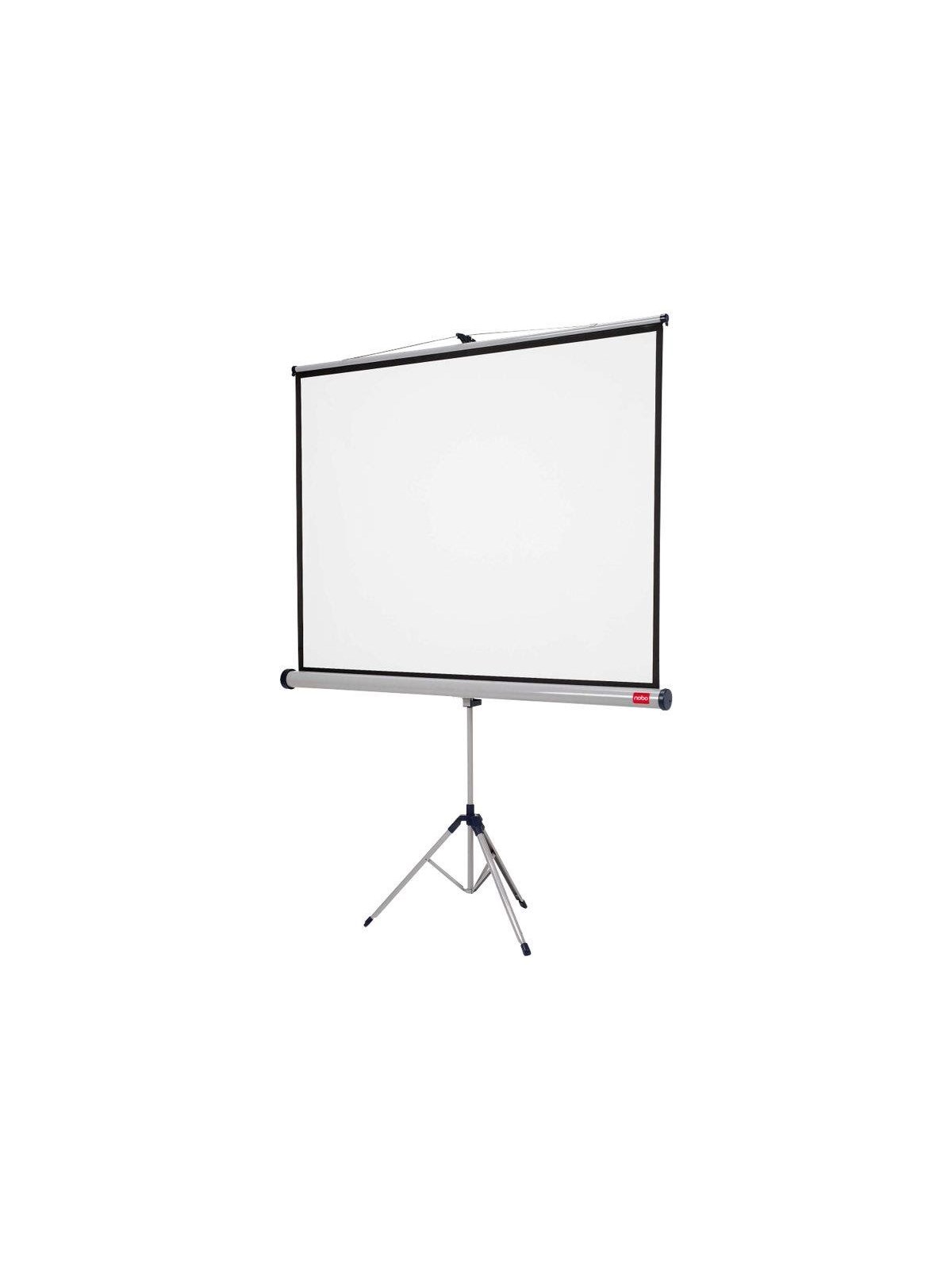
Ähnliche Suchbegriffe für Nobo-1902393-projection-screen
Top-Angebote
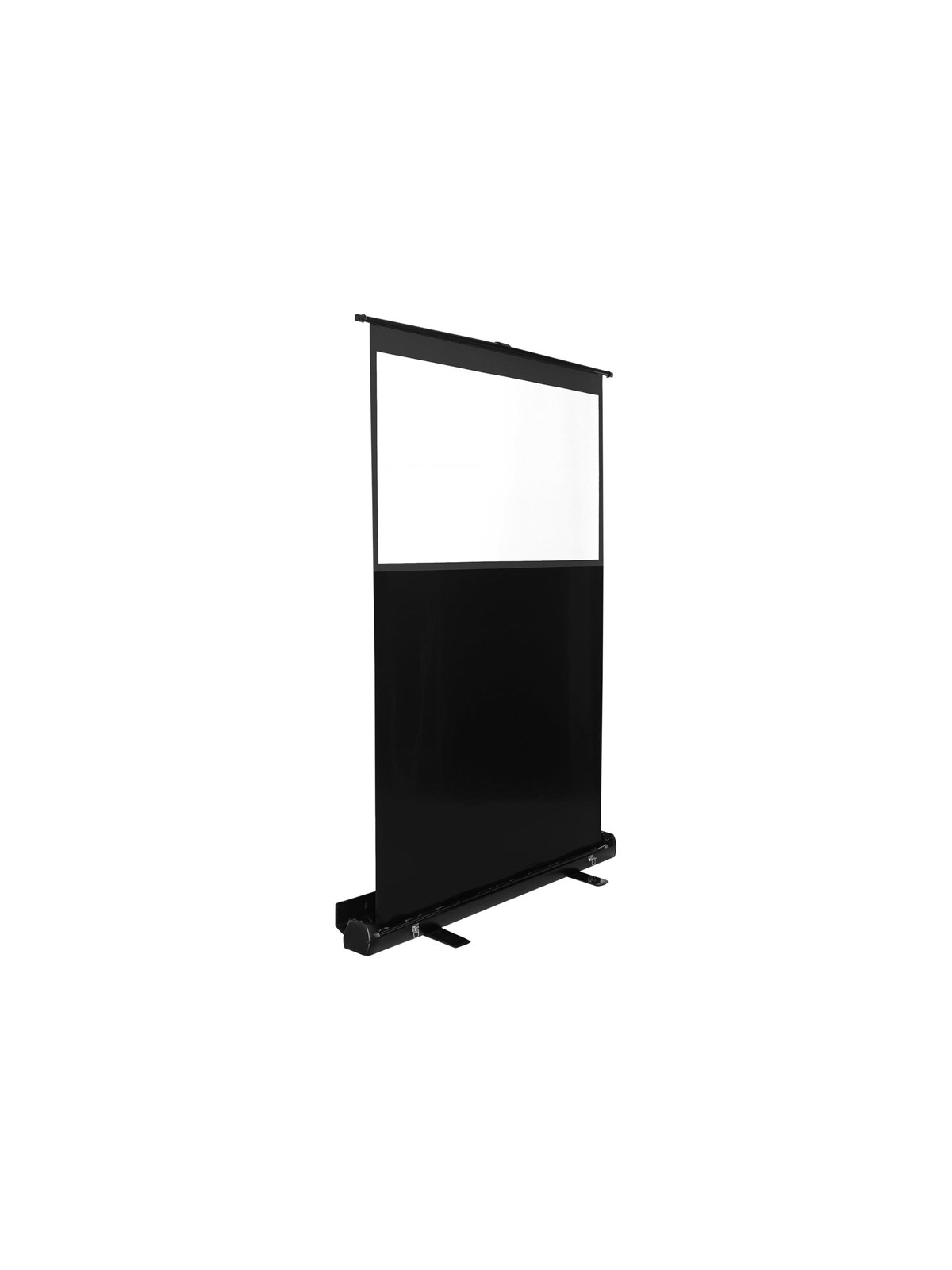
Produkte zum Begriff Nobo-1902393-projection-screen:
-
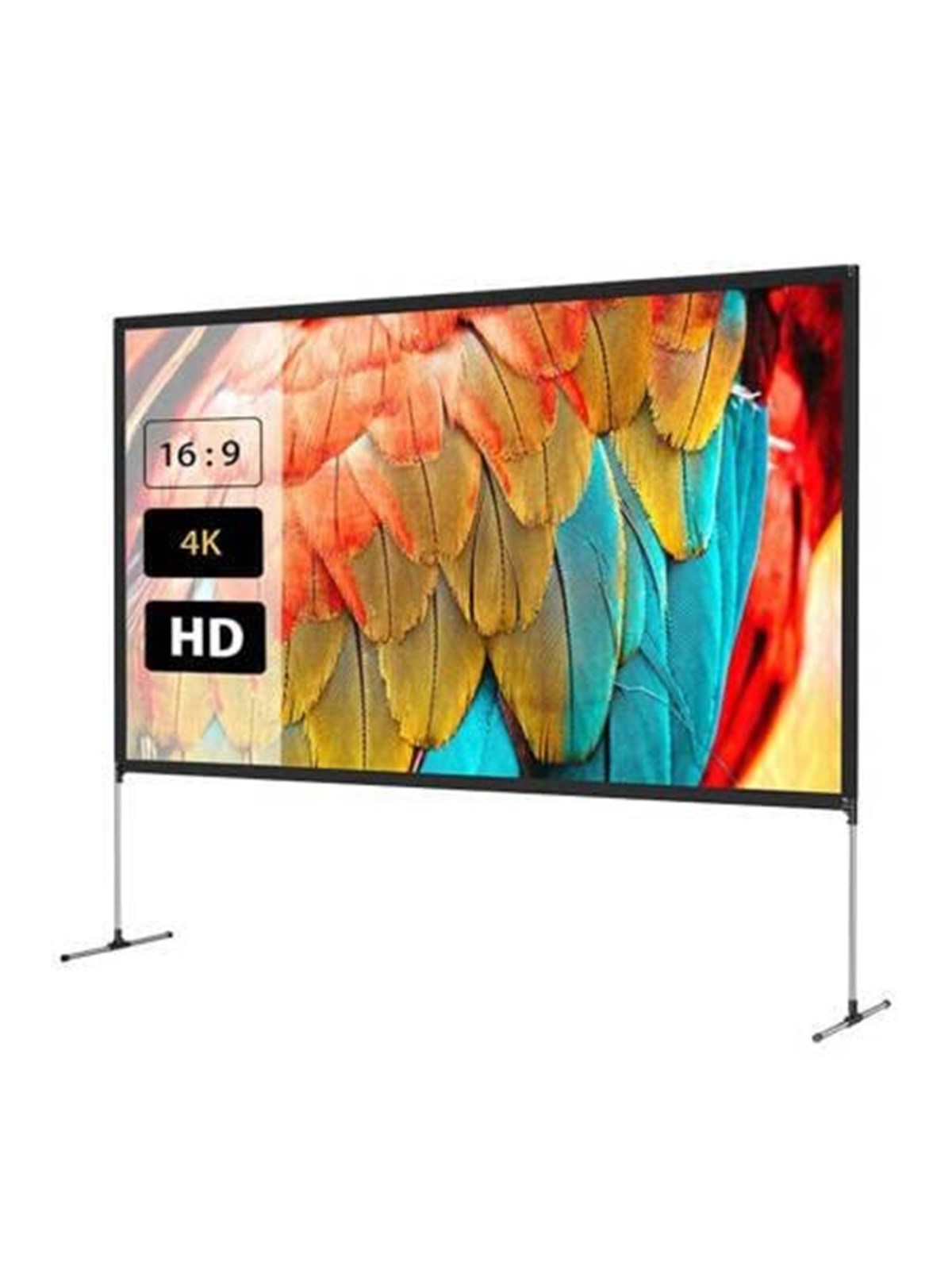
BlitzWolf Portable projection screen 80"BlitzWolf BW-VS6 80" portable projection screen Enjoy your favorite movies and shows with friends and family with the BlitzWolf 80" projection screen. The BW-V6 offers 4K resolution images and provides realistic color reproduction, while the sturdy stand and portable design allow you to watch a variety of content anywhere - including outdoors! The viewing angle is 160°, ensuring that everyone in your group will enjoy a perfect view. The screen is made of high-quality materials such as polyester. Excellent image quality If you're looking for a device that allows you to fully immerse yourself in a visual experience, then BlitzWolf's 80-inch projection screen with 4K resolution will be the perfect choice. The BW-VS6 allows you to enjoy a bright, clear and realistic image that will make you feel like you're right in the middle of the action. The 160° viewing angle allows for a great movie experience for multiple people at once. In addition, precisely reproduced colors guarantee an even more realistic viewing experience. Whether you're watching action movies, romantic comedies or giving a multimedia presentation, the BW-VS6 will give you a great experience and is sure to satisfy your visual needs. Gain total freedom Forget about limitations! Thanks to the stable stand, which is made of high-grade aluminum, you can freely watch movies even outdoors. Don't worry that strong winds will make the screen fall and get damaged. The product is extremely durable and suitable for harsh weather conditions. The assembly of the stand is quick and hassle-free - so you can assemble and disassemble the equipment anywhere in a few moments. The portable design and light weight means you can take the screen with you on trips and outdoor events. Careful craftsmanship The BlitzWolf BW-VS6 80-inch projection screen is the essence of visual experience. It is made of polyester and features a thicker canvas, so it guarantees excellent image quality without any ripples or distortion. Whether you use it indoors or outdoors, the product provides natural and realistic colors and a vivid and crisp 4K image.59,63 €*Versand: 6,99 €Sichere Weiterleitung zum Anbieter
-
BlitzWolf Portable projection screen 120"Portable projection screen BlitzWolf BW-VS6 120" Experience the feeling of being in a cinema wherever you want. The BlitzWolf BW-VS6 portable projection screen works perfectly at home and in the garden - thanks to its stable base, it won't wobble or tip over. It allows you to enjoy excellent image quality and faithful color reproduction, all made from durable and sturdy materials. The screen is also easy to assemble and convenient to transport. Excellent Image Quality Experience unforgettable emotions while watching movies or series. The BlitzWolf screen is perfect for displaying 4K images and provides a wide 160° viewing angle - now you can feel like you're in a movie theater anywhere! The BW-VS6 model also ensures well-reproduced, vibrant, natural colors. Now, watching movies can be even more enjoyable! Top-Quality Construction The BW-VS6 base is made of durable aluminum alloy, making it very stable and resistant to damage. The screen, on the other hand, is made of thickened polyester, which is exceptionally durable and doesn't wrinkle - so you don't have to worry about unwanted folds or distortions. Easy Assembly and Transport Whether it's a party with friends, a garden barbecue, a movie night with loved ones, or camping - the BW-VS6 screen is suitable for these and many other situations. Its assembly is very simple and quick, and thanks to the accessories included in the kit, you can use it outdoors without any problems - even when it's windy. Don't worry about it wobbling or tipping over! Furthermore, when folded, the screen takes up very little space - you can easily fit it in a bag and take it with you wherever you want. In the box Projection screen Base Mounting accessories105,50 €*Versand: 6,99 €Sichere Weiterleitung zum Anbieter
-
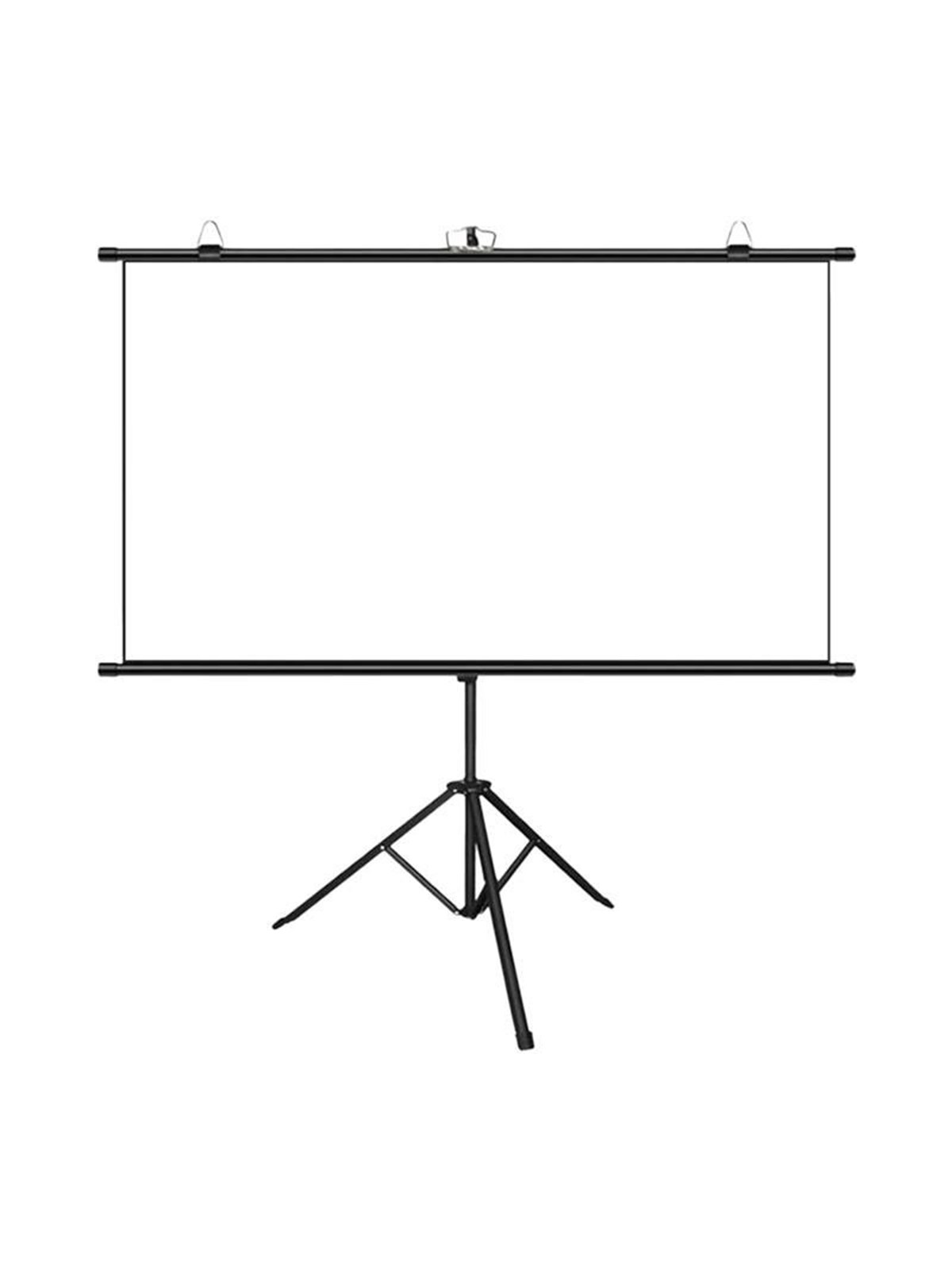
BlitzWolf Projection Screen BW?VS12Blitzwolf BW-VS12 60-inch projection screen is a portable and versatile solution for home, office, or outdoor use. Supporting 16:9 and 4:3 aspect ratios, it is compatible with 3D and 4K HD projectors. Its multi-layered surface delivers sharp, vivid images, and the foldable design allows tripod or wall mounting. Lightweight and easy to transport, the BW-VS12 is ideal for movies, presentations, and gaming anywhere.59,90 €*Versand: 6,99 €Sichere Weiterleitung zum Anbieter


-
Was ist der Unterschied zwischen Green-Screen-, Black-Screen- und Blue-Screen-Filmen?
Green-Screen-, Black-Screen- und Blue-Screen-Filme sind Techniken, die in der Filmproduktion verwendet werden, um Hintergründe oder Effekte in eine Szene einzufügen. Der Hauptunterschied liegt in der Farbe des Hintergrunds, der vor der Aufnahme verwendet wird. Beim Green-Screen wird ein grüner Hintergrund verwendet, beim Blue-Screen ein blauer Hintergrund und beim Black-Screen ein schwarzer Hintergrund. Die Wahl der Farbe hängt von den Elementen ab, die in der Szene eingefügt werden sollen und von der Kleidung oder den Requisiten der Schauspieler. **
-
Wie kann ich einen Bildschirmausschnitt auf meinem Computer aufnehmen? Gibt es empfohlene Software für Screen Capture?
Du kannst einen Bildschirmausschnitt auf deinem Computer mit der Tastenkombination "Windows + Shift + S" aufnehmen oder eine spezielle Software wie Snagit, Camtasia oder OBS Studio verwenden. Diese Programme bieten erweiterte Funktionen für Screen Capture und sind bei vielen Nutzern beliebt. **
-
Wie kann man eine Bildschirmaufnahme auf dem Computer erstellen? Gibt es kostenlose Software für Screen Capture?
Man kann eine Bildschirmaufnahme auf dem Computer erstellen, indem man eine Screen Capture Software wie z.B. OBS Studio, ShareX oder CamStudio verwendet. Es gibt einige kostenlose Programme, die für Screen Capture genutzt werden können, jedoch bieten kostenpflichtige Programme oft mehr Funktionen und eine bessere Qualität. Es ist wichtig, die Nutzungsbedingungen der Software zu beachten, um sicherzustellen, dass die Aufnahmen legal und ethisch korrekt sind. **
-
Welche Screen Recording Software könnt ihr empfehlen und warum?
Wir empfehlen die Software "Camtasia", da sie benutzerfreundlich ist, eine Vielzahl von Funktionen bietet und sowohl für Anfänger als auch für Fortgeschrittene geeignet ist. Außerdem ermöglicht sie das Bearbeiten und Hinzufügen von Effekten in Echtzeit während der Aufnahme, was die Produktivität steigert. **

Wie kann ich mithilfe eines Screen Capture Tools Bildschirmaufnahmen von meinem Computer machen? Welche Screen Capture Tools könnt ihr empfehlen?
Um Bildschirmaufnahmen von deinem Computer zu machen, kannst du ein Screen Capture Tool wie Snagit, Camtasia oder OBS Studio verwenden. Diese Tools ermöglichen es dir, den Bildschirm aufzunehmen, Anmerkungen hinzuzufügen und das Video in verschiedenen Formaten zu speichern. Nach der Installation des Tools kannst du einfach die gewünschten Einstellungen vornehmen, den Aufnahmebereich festlegen und mit der Aufnahme beginnen. **
Welche kostenfreie Screen Recording Software könnt ihr empfehlen und warum?
Wir empfehlen die kostenfreie Software OBS Studio, da sie einfach zu bedienen ist, eine hohe Aufnahmequalität bietet und viele Anpassungsmöglichkeiten bietet. Eine weitere gute Option ist ShareX, da sie nicht nur Bildschirmaufnahmen ermöglicht, sondern auch Screenshots, GIFs und mehr erstellen kann. Beide Programme sind zuverlässig, kostenlos und bieten eine Vielzahl von Funktionen für Screen Recording. **
Top-Angebote
Produkte zum Begriff Nobo-1902393-projection-screen:
-
BlitzWolf Portable projection screen 80"BlitzWolf BW-VS6 80" portable projection screen Enjoy your favorite movies and shows with friends and family with the BlitzWolf 80" projection screen. The BW-V6 offers 4K resolution images and provides realistic color reproduction, while the sturdy stand and portable design allow you to watch a variety of content anywhere - including outdoors! The viewing angle is 160°, ensuring that everyone in your group will enjoy a perfect view. The screen is made of high-quality materials such as polyester. Excellent image quality If you're looking for a device that allows you to fully immerse yourself in a visual experience, then BlitzWolf's 80-inch projection screen with 4K resolution will be the perfect choice. The BW-VS6 allows you to enjoy a bright, clear and realistic image that will make you feel like you're right in the middle of the action. The 160° viewing angle allows for a great movie experience for multiple people at once. In addition, precisely reproduced colors guarantee an even more realistic viewing experience. Whether you're watching action movies, romantic comedies or giving a multimedia presentation, the BW-VS6 will give you a great experience and is sure to satisfy your visual needs. Gain total freedom Forget about limitations! Thanks to the stable stand, which is made of high-grade aluminum, you can freely watch movies even outdoors. Don't worry that strong winds will make the screen fall and get damaged. The product is extremely durable and suitable for harsh weather conditions. The assembly of the stand is quick and hassle-free - so you can assemble and disassemble the equipment anywhere in a few moments. The portable design and light weight means you can take the screen with you on trips and outdoor events. Careful craftsmanship The BlitzWolf BW-VS6 80-inch projection screen is the essence of visual experience. It is made of polyester and features a thicker canvas, so it guarantees excellent image quality without any ripples or distortion. Whether you use it indoors or outdoors, the product provides natural and realistic colors and a vivid and crisp 4K image.59,63 €*Versand: 6,99 €Sichere Weiterleitung zum Anbieter
-
Wie kann man einen Screen-Capture auf dem Computer durchführen? Welche Screen-Capture-Software könnt ihr empfehlen?
Um einen Screen-Capture auf dem Computer durchzuführen, drücke die "Druck" Taste auf der Tastatur, um einen Screenshot des gesamten Bildschirms zu machen. Alternativ kannst du die "Windows + Shift + S" Tasten drücken, um einen ausgewählten Bereich zu erfassen. Als Screen-Capture-Software empfehle ich Snagit, Greenshot oder Lightshot. **
-
Hat der Gaming-PC einen Freeze-Screen?
Ein Freeze-Screen kann bei einem Gaming-PC auftreten, wenn das System überlastet ist oder es Probleme mit der Hardware gibt. Dies kann dazu führen, dass das Bild einfriert und keine Eingaben mehr möglich sind. Um das Problem zu beheben, kann es hilfreich sein, die Grafikeinstellungen zu überprüfen, die Treiber zu aktualisieren oder die Hardwarekomponenten zu überprüfen. **
-
Was ist der Unterschied zwischen Green-Screen-, Black-Screen- und Blue-Screen-Filmen?
Green-Screen-, Black-Screen- und Blue-Screen-Filme sind Techniken, die in der Filmproduktion verwendet werden, um Hintergründe oder Effekte in eine Szene einzufügen. Der Hauptunterschied liegt in der Farbe des Hintergrunds, der vor der Aufnahme verwendet wird. Beim Green-Screen wird ein grüner Hintergrund verwendet, beim Blue-Screen ein blauer Hintergrund und beim Black-Screen ein schwarzer Hintergrund. Die Wahl der Farbe hängt von den Elementen ab, die in der Szene eingefügt werden sollen und von der Kleidung oder den Requisiten der Schauspieler. **
-
Wie kann ich einen Bildschirmausschnitt auf meinem Computer aufnehmen? Gibt es empfohlene Software für Screen Capture?
Du kannst einen Bildschirmausschnitt auf deinem Computer mit der Tastenkombination "Windows + Shift + S" aufnehmen oder eine spezielle Software wie Snagit, Camtasia oder OBS Studio verwenden. Diese Programme bieten erweiterte Funktionen für Screen Capture und sind bei vielen Nutzern beliebt. **
Ähnliche Suchbegriffe für Nobo-1902393-projection-screen
-
BlitzWolf Portable projection screen 120"Portable projection screen BlitzWolf BW-VS6 120" Experience the feeling of being in a cinema wherever you want. The BlitzWolf BW-VS6 portable projection screen works perfectly at home and in the garden - thanks to its stable base, it won't wobble or tip over. It allows you to enjoy excellent image quality and faithful color reproduction, all made from durable and sturdy materials. The screen is also easy to assemble and convenient to transport. Excellent Image Quality Experience unforgettable emotions while watching movies or series. The BlitzWolf screen is perfect for displaying 4K images and provides a wide 160° viewing angle - now you can feel like you're in a movie theater anywhere! The BW-VS6 model also ensures well-reproduced, vibrant, natural colors. Now, watching movies can be even more enjoyable! Top-Quality Construction The BW-VS6 base is made of durable aluminum alloy, making it very stable and resistant to damage. The screen, on the other hand, is made of thickened polyester, which is exceptionally durable and doesn't wrinkle - so you don't have to worry about unwanted folds or distortions. Easy Assembly and Transport Whether it's a party with friends, a garden barbecue, a movie night with loved ones, or camping - the BW-VS6 screen is suitable for these and many other situations. Its assembly is very simple and quick, and thanks to the accessories included in the kit, you can use it outdoors without any problems - even when it's windy. Don't worry about it wobbling or tipping over! Furthermore, when folded, the screen takes up very little space - you can easily fit it in a bag and take it with you wherever you want. In the box Projection screen Base Mounting accessories105,50 €*Versand: 6,99 €Sichere Weiterleitung zum Anbieter
-
BlitzWolf Projection Screen BW?VS12Blitzwolf BW-VS12 60-inch projection screen is a portable and versatile solution for home, office, or outdoor use. Supporting 16:9 and 4:3 aspect ratios, it is compatible with 3D and 4K HD projectors. Its multi-layered surface delivers sharp, vivid images, and the foldable design allows tripod or wall mounting. Lightweight and easy to transport, the BW-VS12 is ideal for movies, presentations, and gaming anywhere.59,90 €*Versand: 6,99 €Sichere Weiterleitung zum Anbieter
-
BlitzWolf BW-VS4 100" projection screenThe BlitzWolf BW-VS4 100" screen is a unique solution for home theater enthusiasts, graphics professionals and gamers who demand the highest image quality. With innovative technologies such as 4K Ultra HD resolution and a wide 160° viewing angle, the BW-VS4 screen guarantees an amazing visual experience. Its easy installation and elegant design make it a perfect fit in any interior, while offering advanced features that will meet the expectations of even the most demanding users.45,91 €*Versand: 6,99 €Sichere Weiterleitung zum Anbieter
-
Wie kann man eine Bildschirmaufnahme auf dem Computer erstellen? Gibt es kostenlose Software für Screen Capture?
Man kann eine Bildschirmaufnahme auf dem Computer erstellen, indem man eine Screen Capture Software wie z.B. OBS Studio, ShareX oder CamStudio verwendet. Es gibt einige kostenlose Programme, die für Screen Capture genutzt werden können, jedoch bieten kostenpflichtige Programme oft mehr Funktionen und eine bessere Qualität. Es ist wichtig, die Nutzungsbedingungen der Software zu beachten, um sicherzustellen, dass die Aufnahmen legal und ethisch korrekt sind. **
-
Welche Screen Recording Software könnt ihr empfehlen und warum?
Wir empfehlen die Software "Camtasia", da sie benutzerfreundlich ist, eine Vielzahl von Funktionen bietet und sowohl für Anfänger als auch für Fortgeschrittene geeignet ist. Außerdem ermöglicht sie das Bearbeiten und Hinzufügen von Effekten in Echtzeit während der Aufnahme, was die Produktivität steigert. **
-
Wie kann ich mithilfe eines Screen Capture Tools Bildschirmaufnahmen von meinem Computer machen? Welche Screen Capture Tools könnt ihr empfehlen?
Um Bildschirmaufnahmen von deinem Computer zu machen, kannst du ein Screen Capture Tool wie Snagit, Camtasia oder OBS Studio verwenden. Diese Tools ermöglichen es dir, den Bildschirm aufzunehmen, Anmerkungen hinzuzufügen und das Video in verschiedenen Formaten zu speichern. Nach der Installation des Tools kannst du einfach die gewünschten Einstellungen vornehmen, den Aufnahmebereich festlegen und mit der Aufnahme beginnen. **
-
Welche kostenfreie Screen Recording Software könnt ihr empfehlen und warum?
Wir empfehlen die kostenfreie Software OBS Studio, da sie einfach zu bedienen ist, eine hohe Aufnahmequalität bietet und viele Anpassungsmöglichkeiten bietet. Eine weitere gute Option ist ShareX, da sie nicht nur Bildschirmaufnahmen ermöglicht, sondern auch Screenshots, GIFs und mehr erstellen kann. Beide Programme sind zuverlässig, kostenlos und bieten eine Vielzahl von Funktionen für Screen Recording. **
* Alle Preise verstehen sich inklusive der gesetzlichen Mehrwertsteuer und ggf. zuzüglich Versandkosten. Die Angebotsinformationen basieren auf den Angaben des jeweiligen Shops und werden über automatisierte Prozesse aktualisiert. Eine Aktualisierung in Echtzeit findet nicht statt, so dass es im Einzelfall zu Abweichungen kommen kann. ** Hinweis: Teile dieses Inhalts wurden von KI erstellt.